From nothing to an auditable register
- 01
Set it up on whichever device you are holding
Choose where the register lives, pick a plan, and name the organisation and its asset tags. Four short screens, and you can do all of that from the iPhone with no Mac in the building, or from the Mac. Neither device is an accessory to the other.
- 02
Choose where the register lives, once
This Mac and my devices, or Starkive Cloud. It is a decision you make at setup with the consequences written next to it, and it governs every sync afterwards. It is never worked out at runtime, because “it depends what was reachable” is not an answer you can give an auditor.
- 03
Bring in what you already have
Import a spreadsheet and the columns are matched for you, including ones you invented, which become typed custom fields. Leaving ServiceNow, Snipe-IT, Freshservice, Jira Service Management Assets or Asset Panda? Their exports land in the right fields as they are. Or connect Intune, Entra, Jamf Pro or Okta and let devices sync straight in. Every integration shows exactly what it maps to before you connect it.
- 04
Work it from the desk or from the rack
Lifecycle, contracts, licences, compliance and reporting are desk work on the Mac. Standing at a machine, the phone reads the asset tag, cross-checks the serial by barcode and OCR, and records custody on the spot, whether or not the Mac is awake. Jobs and requests live in Work, each with a number like JOB-0009, and compliance gaps show on the asset itself.
- 05
Let the two machines agree, or do not
On a local workspace the Mac and the phone sync straight to each other over your own network, on TLS with a pinned certificate. If the phone already holds asset changes when it first pairs, it asks what to do with them before those changes are sent. Whether the Mac answers on that network at all is a switch that starts off, and turning it off closes the port rather than hiding the button. On a cloud workspace they agree without sharing a network, and the fields that matter most are encrypted before they leave the device.
- 06
Hand the auditor a pack, not a spreadsheet
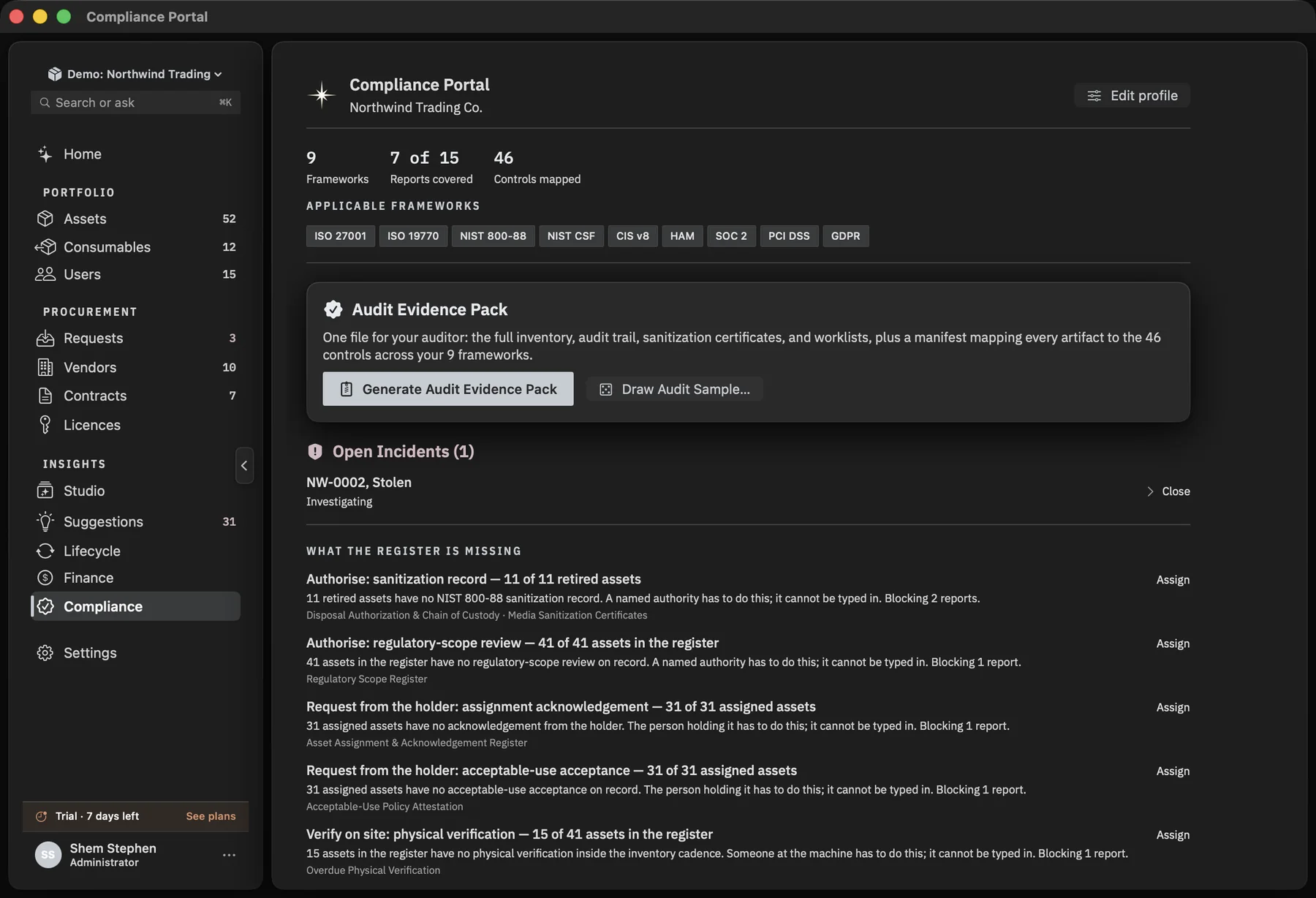
Your inventory is mapped to 72 controls across 12 standards, with 16 evidence reports kept ready. Anything still missing is named, down to the asset and the field, so you fix it before anyone asks. When they do, you generate one Audit Evidence Pack: full inventory, audit trail, sanitization certificates and worklists, every artifact mapped to its control.
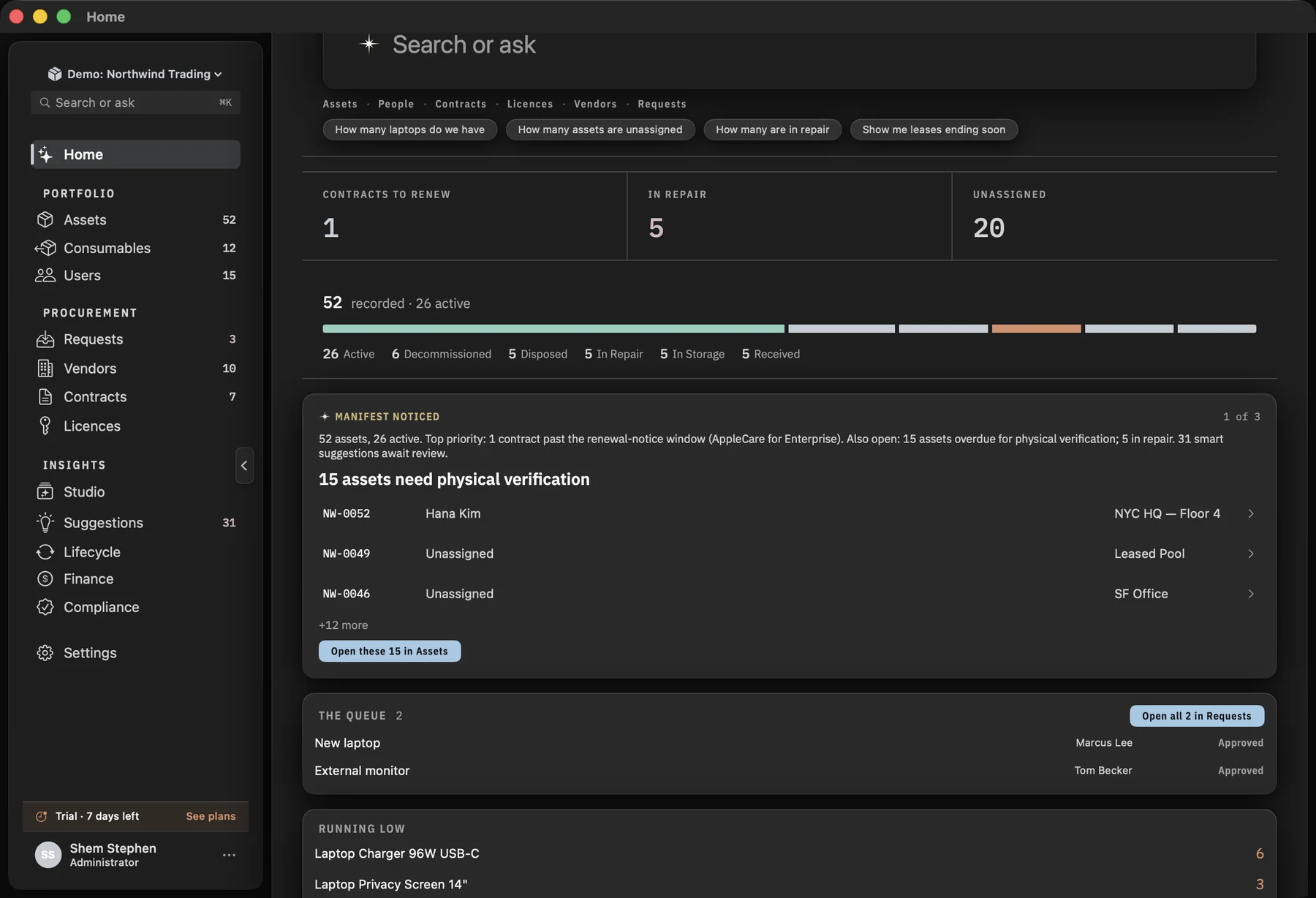
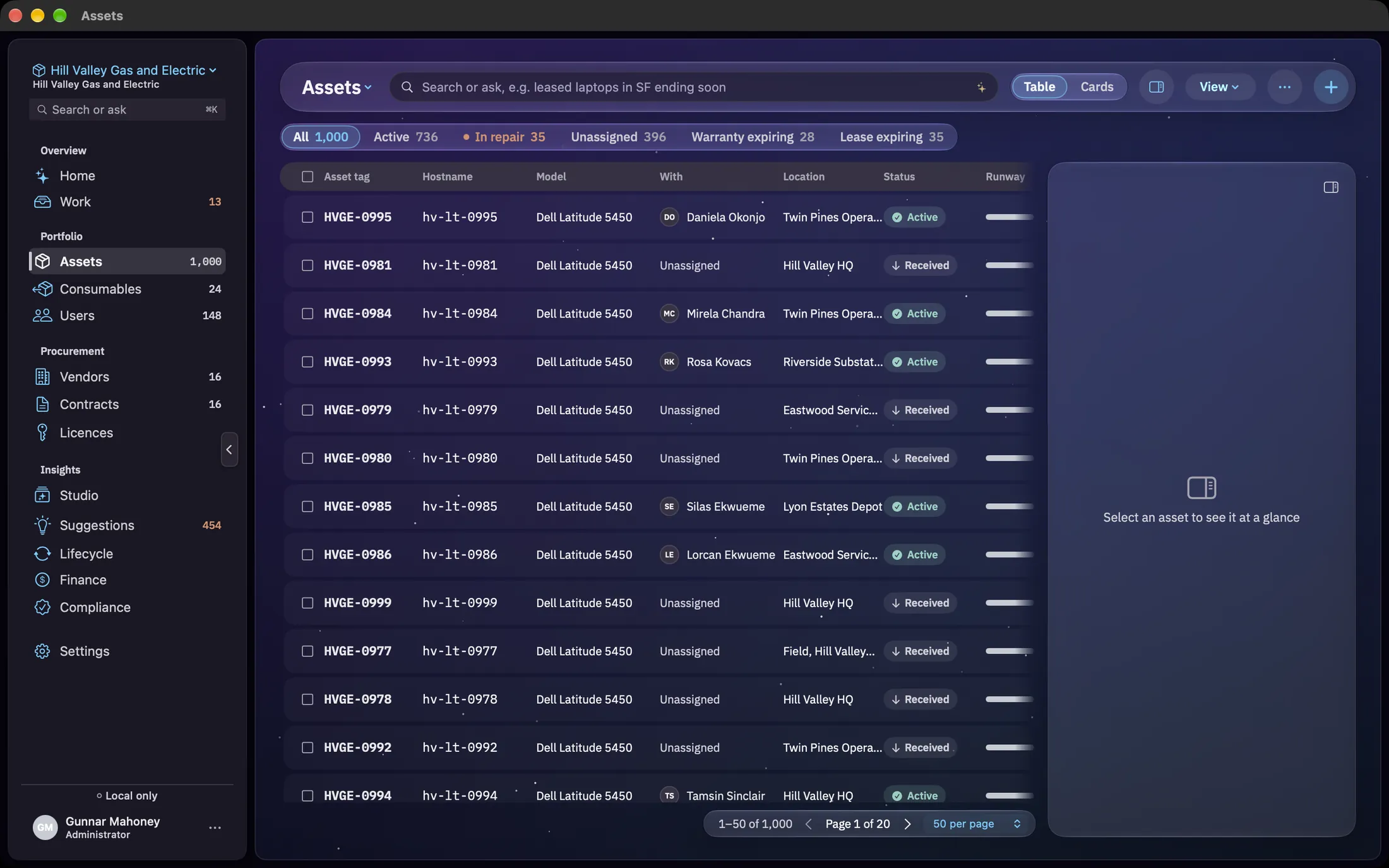
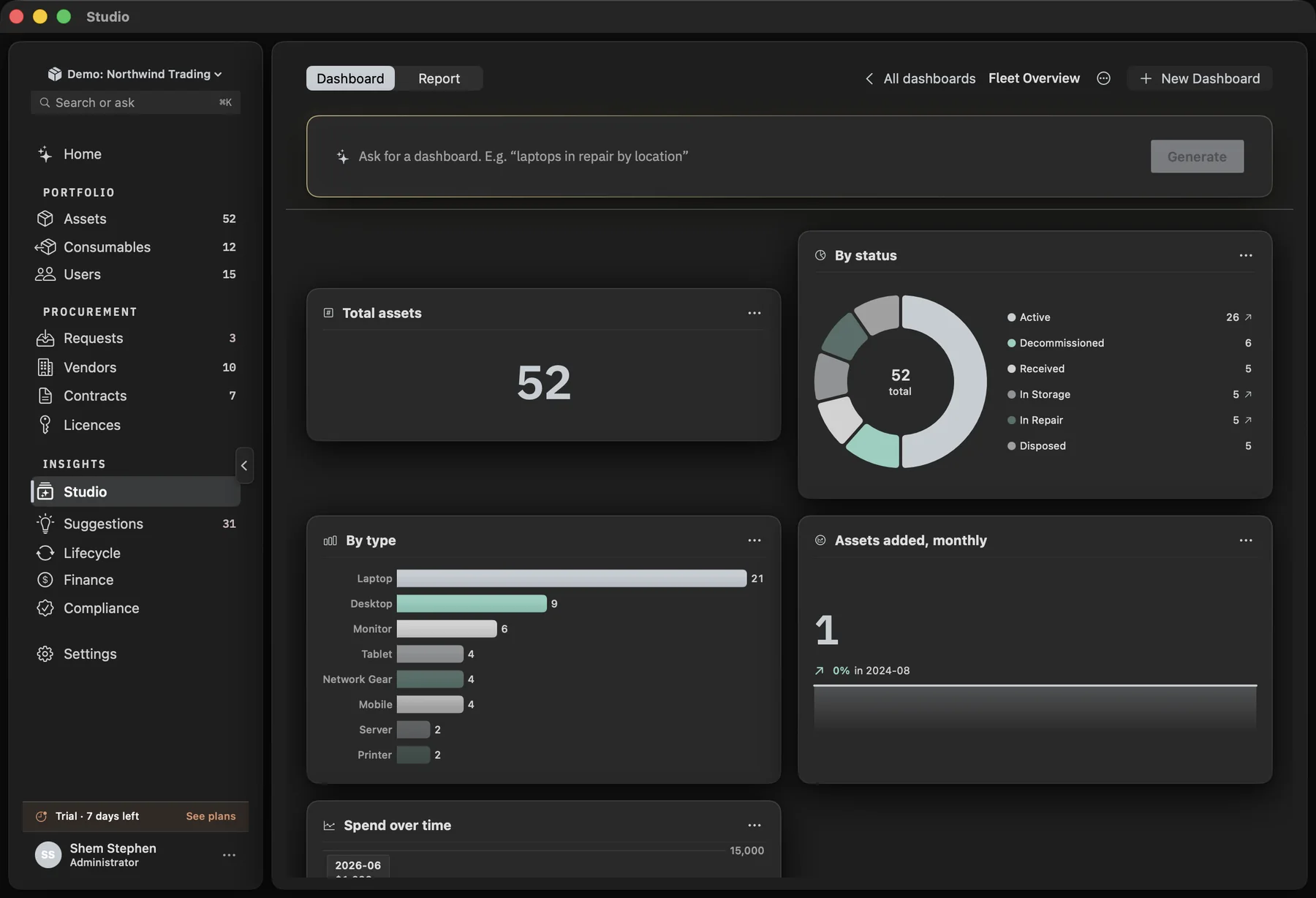
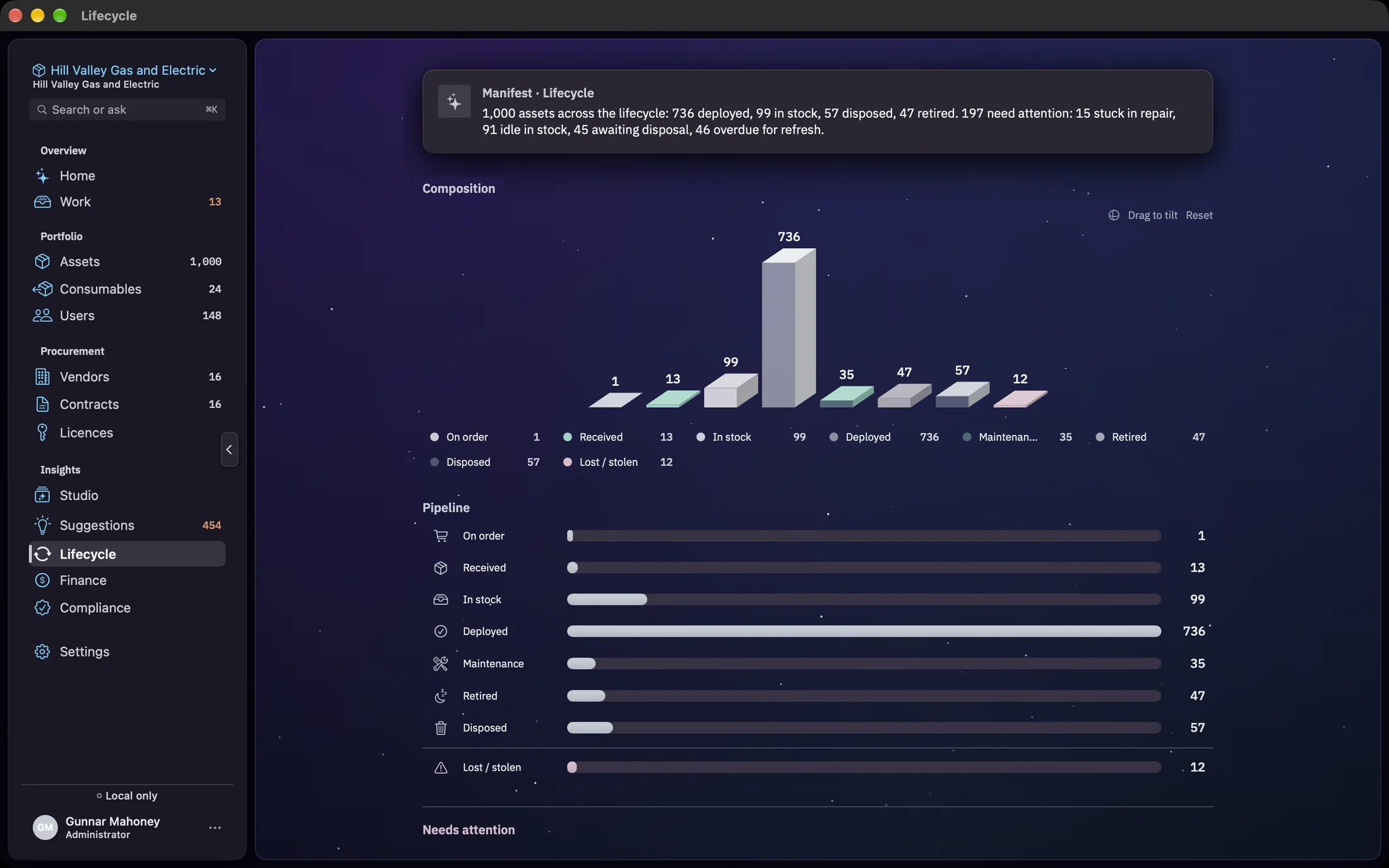
On the Mac
The larger of the two builds: every area, the full compliance surface, and anything that reads the whole register at once.
On the iPhone
A smaller build of the same product, not a scanner for the Mac. It holds the register itself, so it works in a basement with no signal and catches up later.
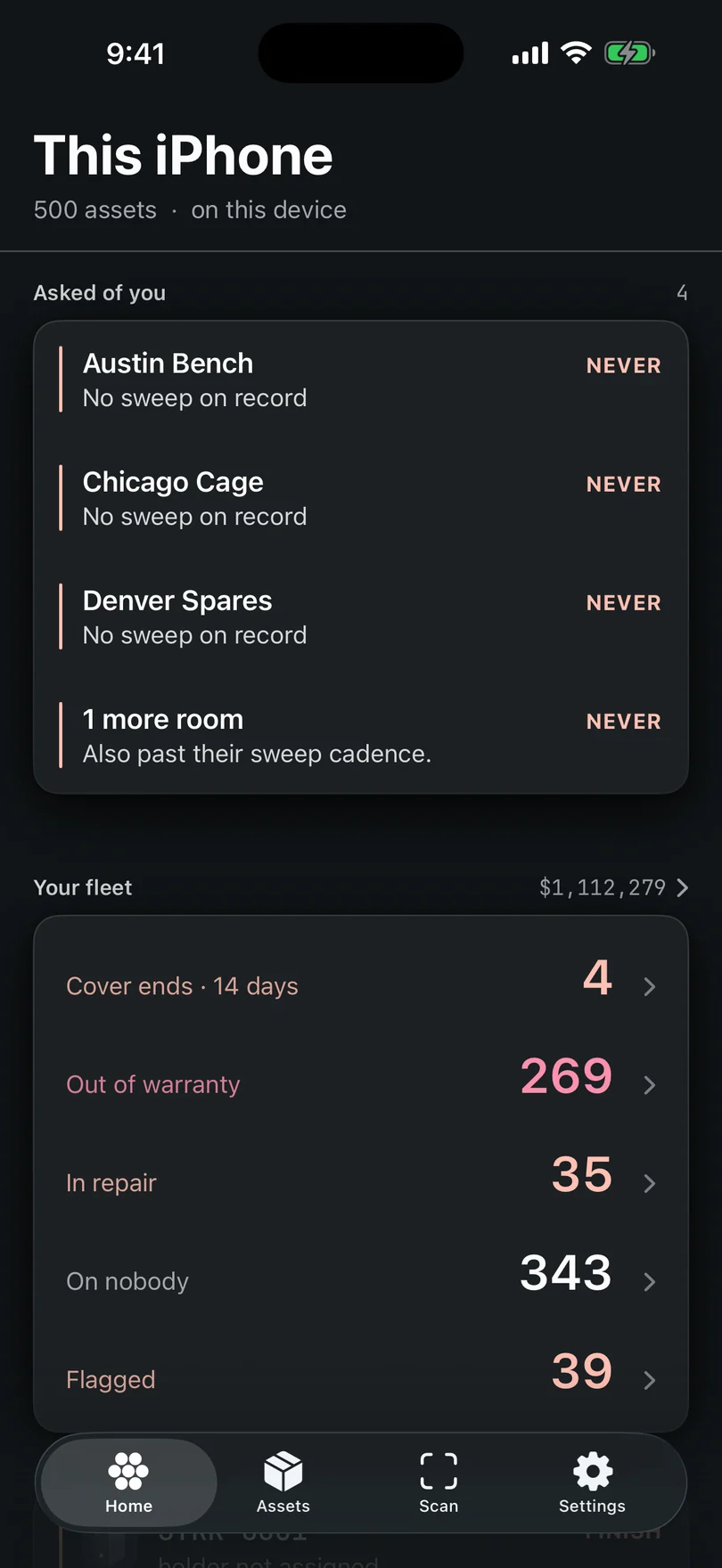
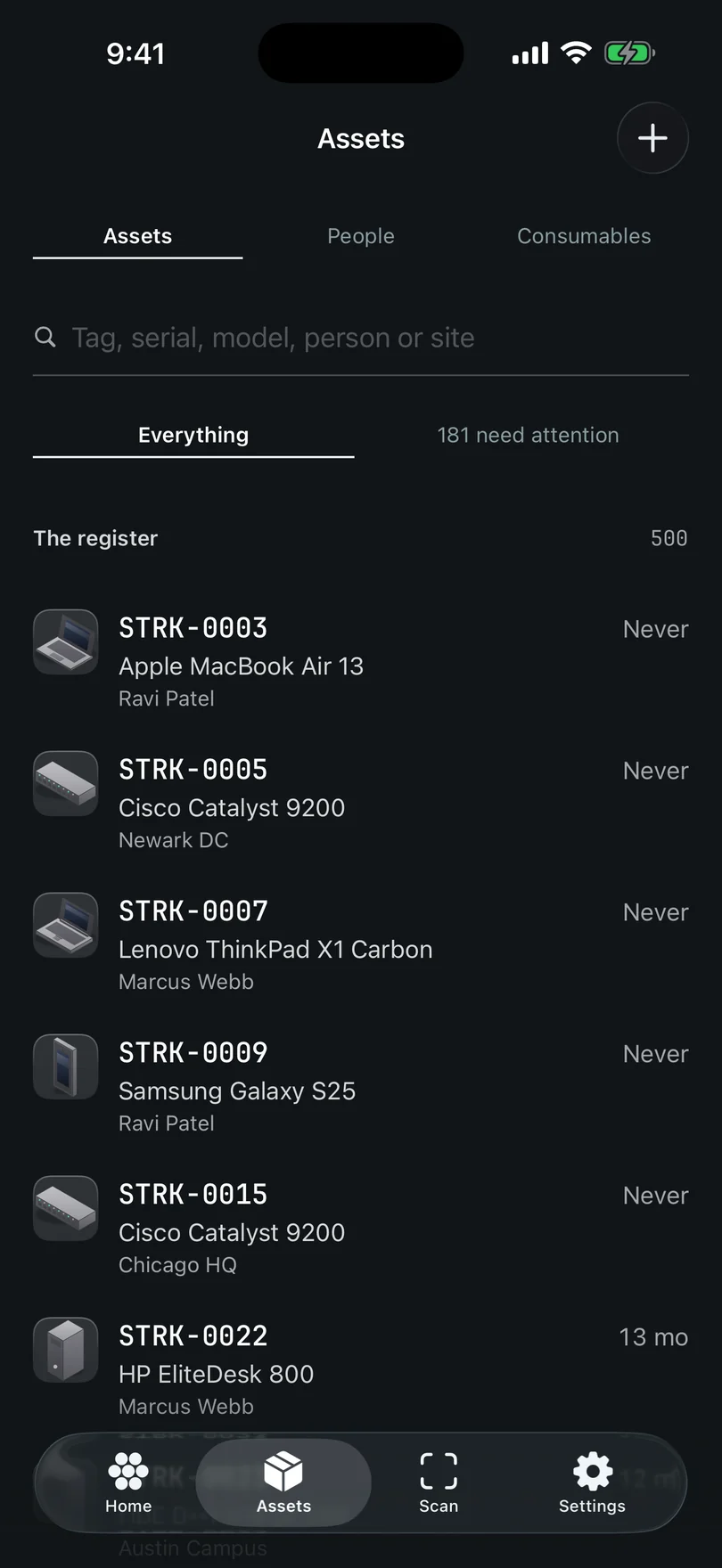
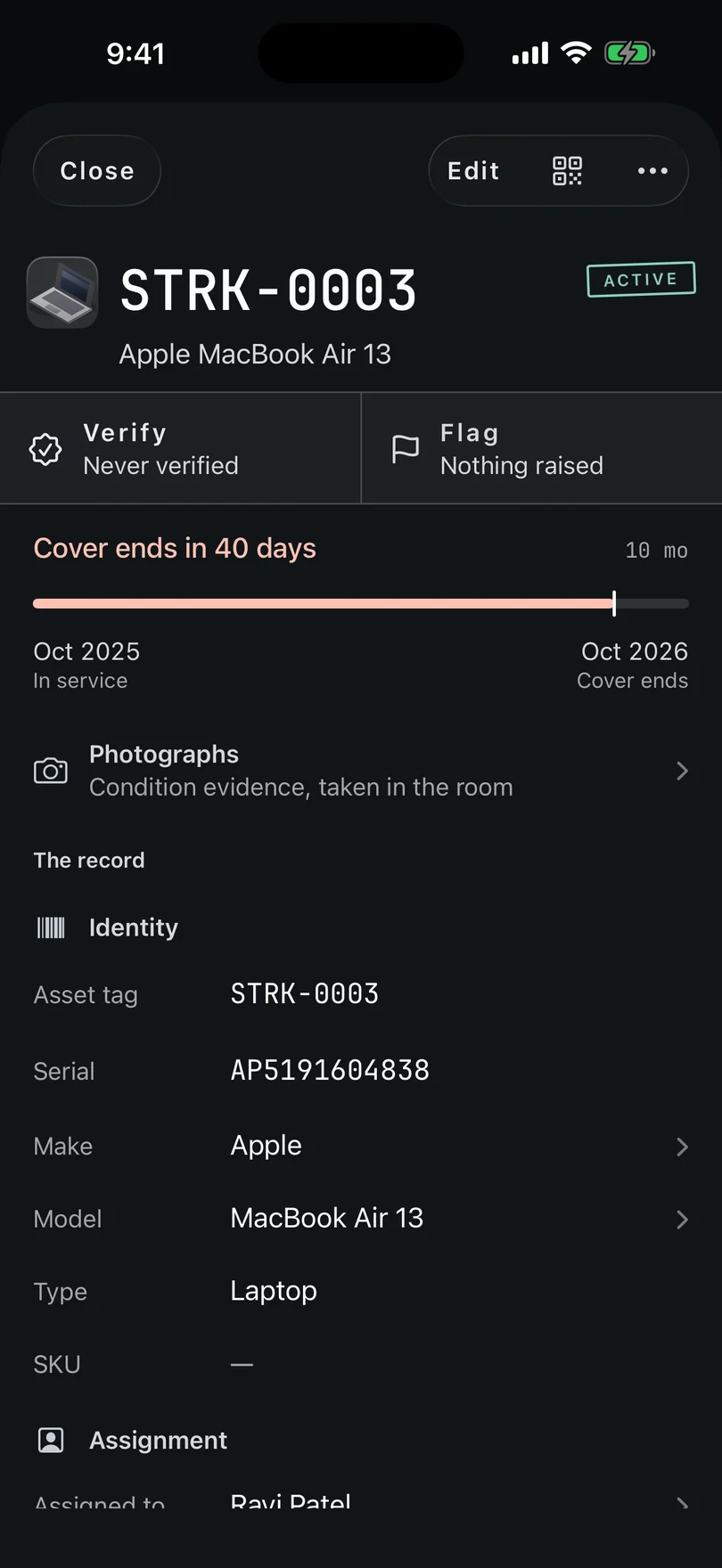
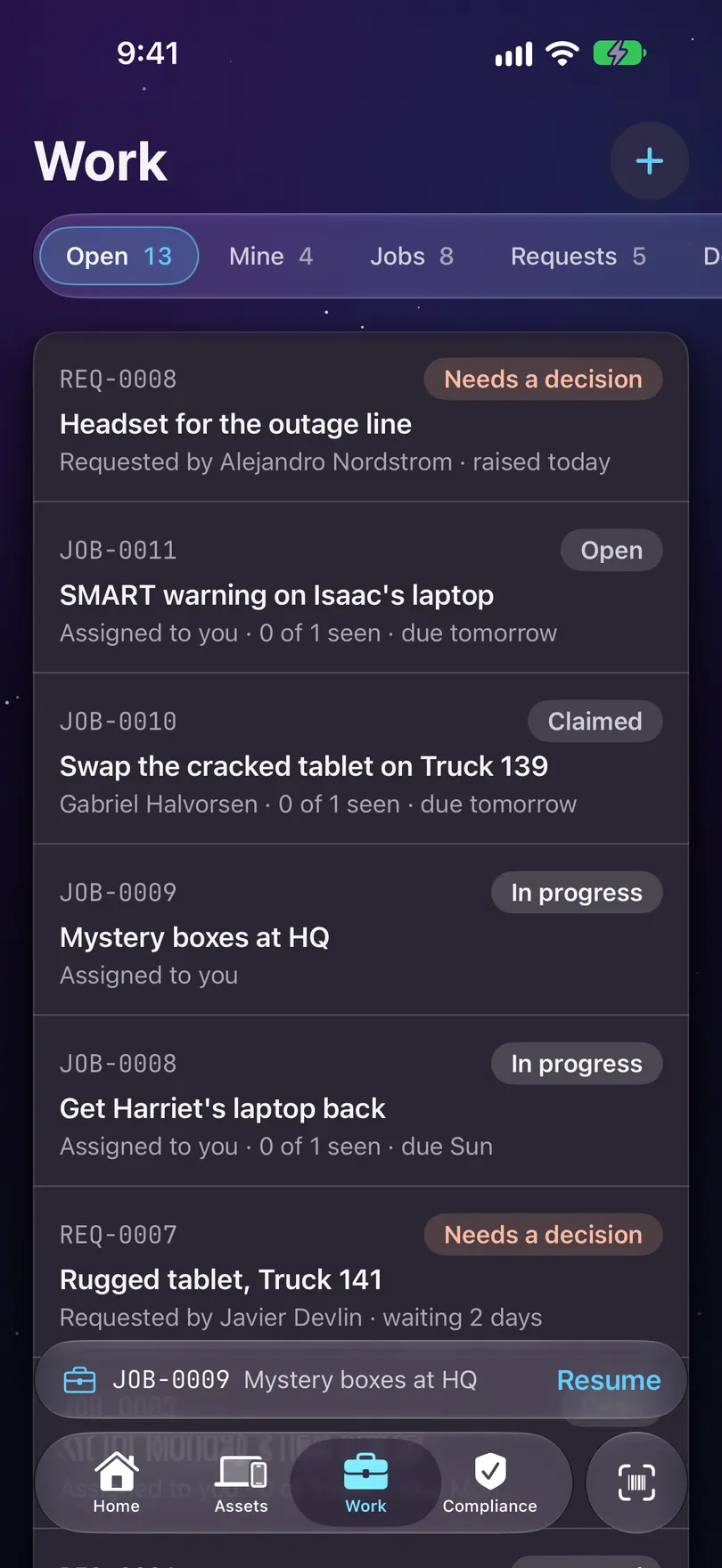
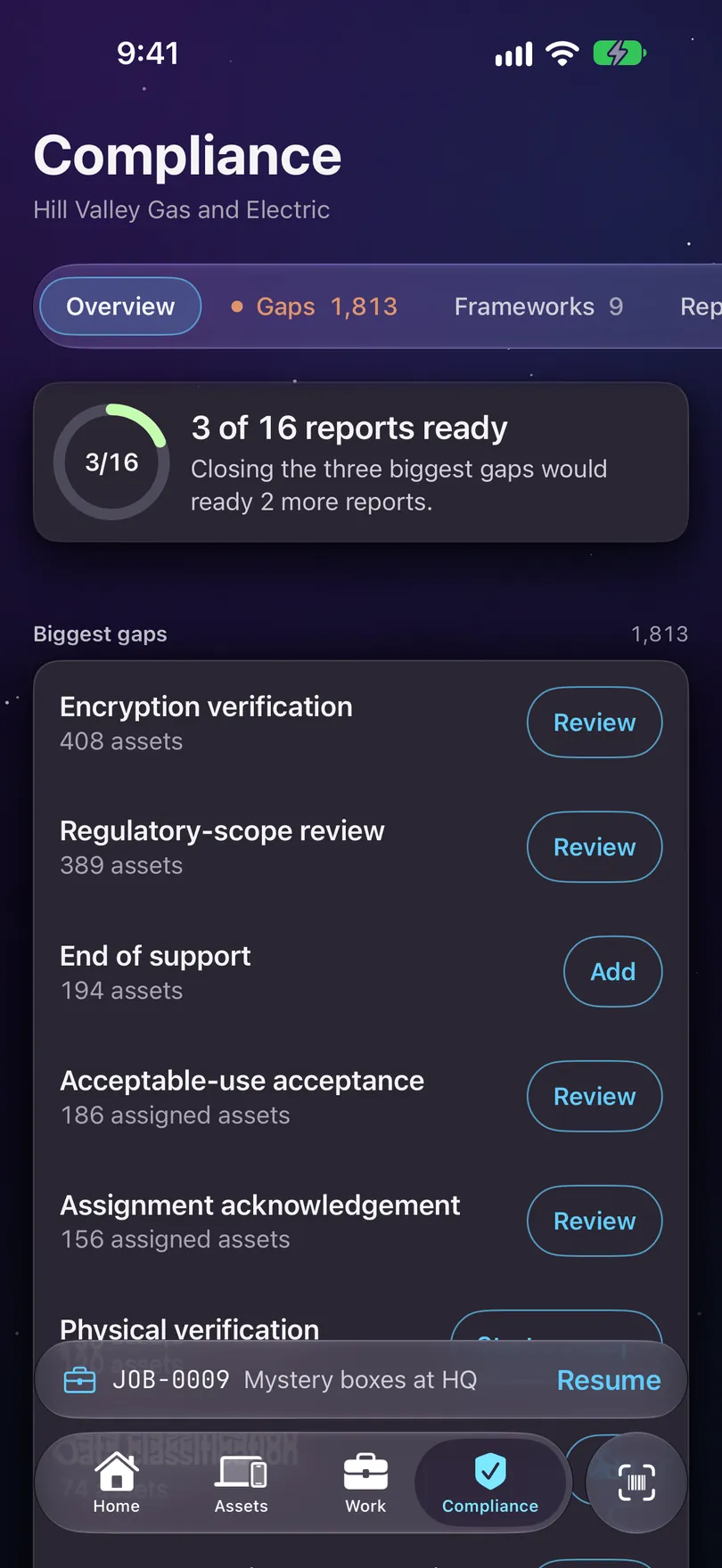
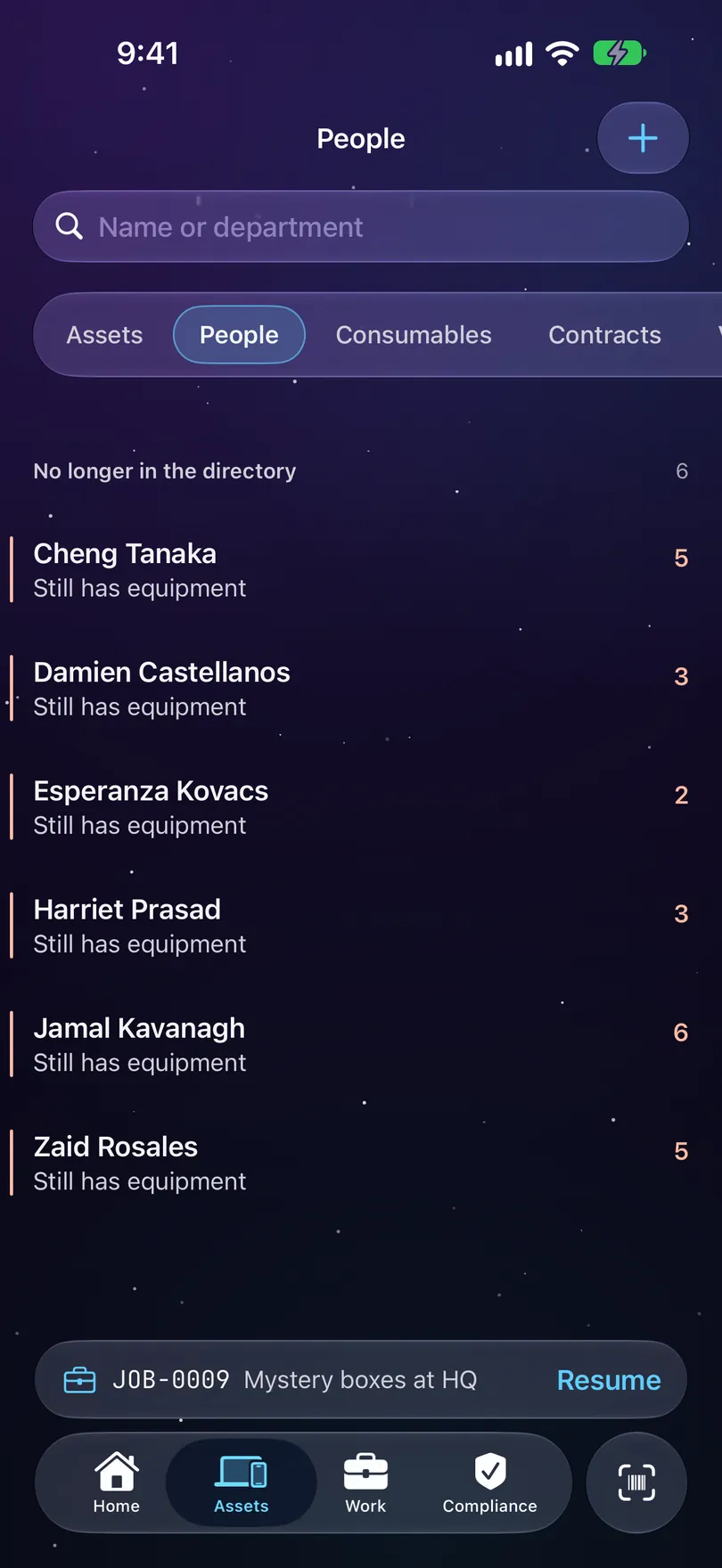
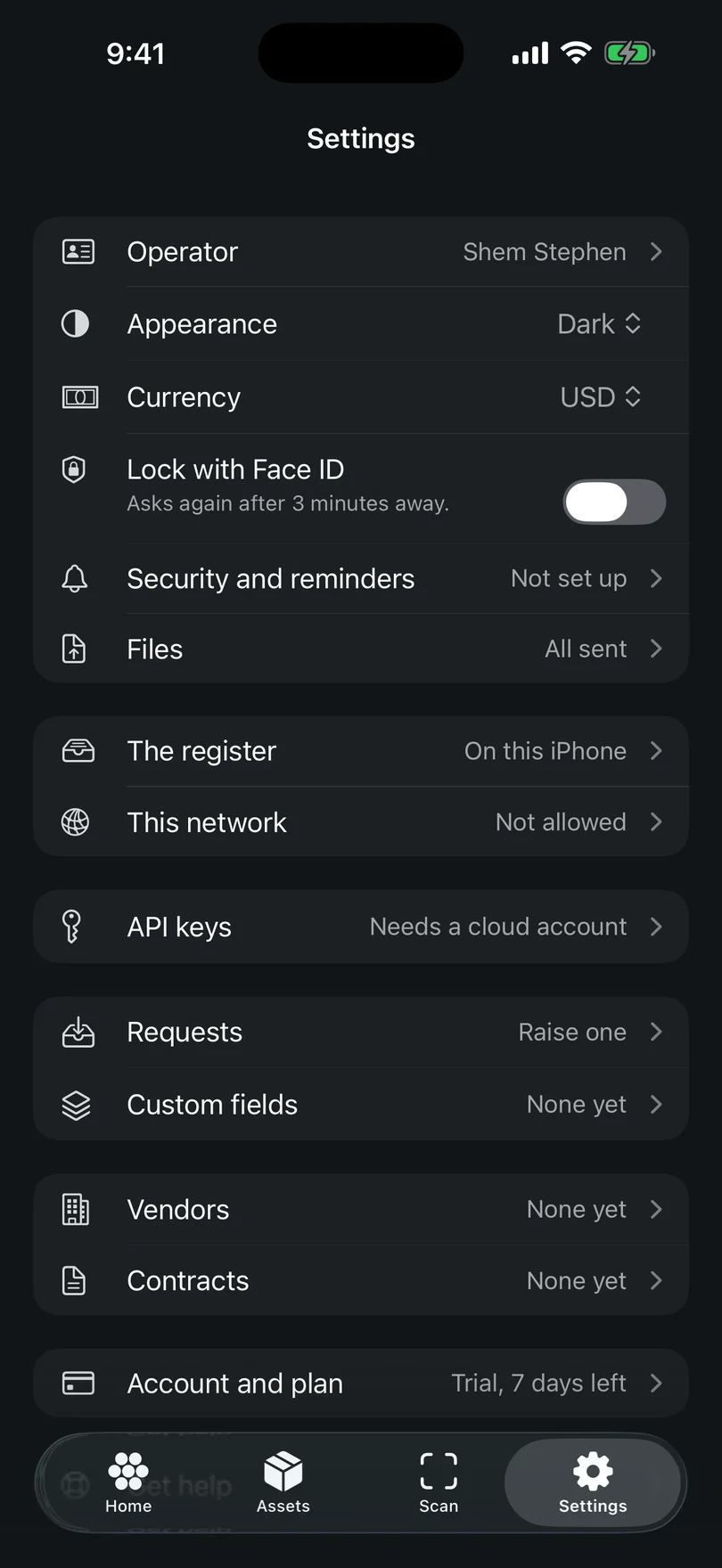
Starkive Manifest 1.2 for iPhone, captured on the Hill Valley demo register. It’s on the App Store now. Scan is the one screen missing, because a simulator has no camera and a blank viewfinder would tell you nothing.
What needs the Mac
Some work genuinely wants the bigger screen: importing a spreadsheet, Studio’s dashboards and reports, and anything that reads the whole database at once. Where the phone can’t do something, it says so rather than pretending otherwise. The phone has capability the Mac does not, too: a camera in the room with the hardware, an NFC radio that writes and reads asset tags, a sweep you can start from the Action Button, and a Live Activity that keeps the count in the Dynamic Island while you walk the aisle.
Next: what it costs or the guides.