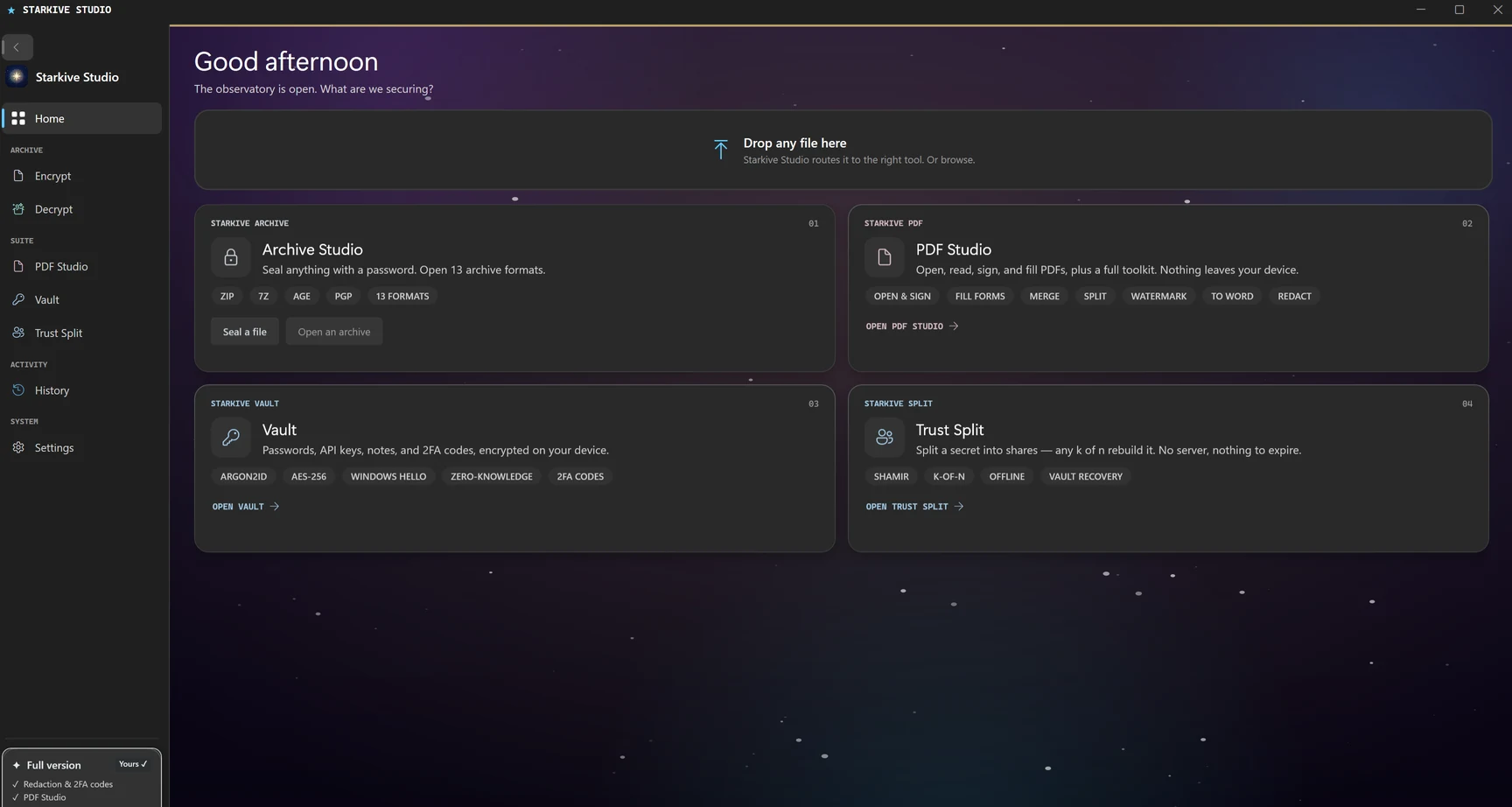
Starkive encrypts any file and alerts you the moment it gets opened. You get the time, the location, and a signed PDF certificate. No more guessing whether your document was seen.
Try free Β· Secure Container from $2.99/mo Β· Windows 10/11 Β· No SmartScreen warning via Store
Subject
[Starkive] Vega β "Resume_Google_SWE.ssz" was opened
File: Resume_Google_SWE.ssz
Star: β Vega
Time: Mon, 09 Jun 2026 14:32 UTC
Country: πΊπΈ US
Total opens: 1
π Starkive_Vega_Certificate.pdf attached
Certainty isn't a luxury.
It's the minimum.
For professionals who send documents that matter.
See it in action
Click any step or watch the walkthrough automatically.
Resume_Google_SWE.pdf
File formats
Starkive supports three output formats: standard ZIP, 7-Zip (.7z) for maximum compression, and Starkive Certified (.ssz) for encrypted, tracked delivery.
The .ssz format is Starkive's own secure container. It is a custom binary format built specifically for encrypted, tracked delivery β not a renamed ZIP or 7z file.
Learn more about Starkive Certified β
Unique file token
Every .ssz file contains a UUID registered to your account. When the file is opened, it pings our server and that is what triggers your notification.
AES-256 encrypted payload
Your file content is fully encrypted inside the container. Without the password, there is no way in.
SHA-256 integrity hash
A hash of your original file is embedded in the header so recipients can confirm the file has not been altered.
Encrypt any file type
PDFs, Word docs, images, spreadsheets, executables. If it is a file, Starkive can protect it.
SSZ file structure
Total header: 100 bytes Β· Payload: variable
Cloud features
Starkive works entirely offline. Connect to the cloud when you need it.
Every file you protect shows up in your cloud dashboard with the full open history including time, country, and whether you were notified. You can check it from any browser.
Back up your password vault to Google Drive or OneDrive. Your passwords are encrypted on your device before anything leaves, so the cloud only ever holds ciphertext.
Upload your .ssz files to Google Drive or OneDrive directly from the app and get a shareable link in one click. No need to open a browser or drag files manually.
How the cloud layer works
File contents never touch Starkive servers. Only the open event (timestamp + country) is recorded.
Features
Every feature exists to answer one question: did they open it?
Every file is encrypted before it ever leaves your device. Nothing readable goes over the wire.
You get an email within seconds of the file being opened. It includes the time, country, and how many times it has been opened total.
Every open creates a signed PDF you can save as a timestamped record. Useful for compliance, legal, and just having proof.
Give each recipient a unique star name and track their opens across every file you have sent them.
Back up your password vault to Google Drive or OneDrive. Everything is encrypted on your device first so the cloud never sees your actual passwords.
A built-in retry queue makes sure your notifications get through even if there is a temporary issue with the email provider.
Use cases
Whether you are a freelancer, a sales rep, or a legal team, if you need to know a document was opened, this is the tool for you.
Send your resume as a Starkive file. The moment a recruiter or hiring manager opens it, you get a notification. You will know exactly when to follow up instead of sending emails into the dark.
Stop following up blind. Send your proposal as a Starkive file and you will know the moment a client opens it and how many times they came back to look at it.
You will know the exact second a prospect opens your pricing deck or proposal. Call them while you are still fresh in their mind instead of guessing three days later.
Send contracts, NDAs, and compliance documents knowing each open creates a timestamped PDF certificate that is exportable and stored in your account.
Know when candidates open offer letters and when employees acknowledge policy documents. Keep a clean compliance record without having to chase anyone down.
Send tax documents, financial statements, and reports with full encryption and a delivery receipt. You will always know who opened what and when.
What professionals say
βWe track every offer letter and policy acknowledgement through Starkive. The PDF certificates have saved us twice in compliance audits.β
Sarah M.
Senior HR Manager Β· Healthcare Group
βI know the exact moment a client opens my proposal. My follow-up timing used to be pure guesswork. Now I call at the right time and I close more deals because of it.β
James T.
Independent Consultant Β· Finance
βNDAs, engagement letters, settlement documents β every send has a certificate. It's now part of our standard delivery process.β
Rachel K.
Legal Operations Β· Law Firm
Pricing
Start for free. Unlock the full experience for less than a coffee.
Free
Download and try the core features for free. No credit card needed.
Starkive Pro
Everything in Free, plus the full Secure Container experience.
Enterprise
Volume licensing, SSO, and dedicated support for your team.
We are in early access and pricing may change as we add more features. Anyone who subscribes now keeps their current rate.
For enterprise teams
Starkive gives your team a simple, auditable way to track sensitive document delivery without the complexity or cost of a full DRM platform.
Dashboard overview
124
Files sent
89
Opens tracked
100%
Notifications delivered
Q2_Proposal_Acme.ssz
β Rigel
NDA_PartnerCo.ssz
β Deneb
FinReport_Jun.ssz
β Spica
How it works
From file to verified delivery in under a minute.
Drag any file into Starkive, assign a star identity and password, and click Encrypt. You get a .ssz file to share.
Send the .ssz file however you normally would. Email, Drive, Slack, a download link. Just share the password separately.
The moment the recipient opens it, you receive an email alert and a PDF certificate of opening.
FAQ
The app is free to download and try. Basic encryption and decryption are included at no cost. The Secure Container (.ssz format with open notifications, PDF certificates, and cloud features) is $2.99 per month. Enterprise teams get custom seat-based pricing.
The recipient needs the free Starkive app on Windows 10 or 11 (64-bit) to open the file. It is a quick install and decryption is always free for anyone receiving a file.
All files stay on your machine. Starkive never stores your file contents anywhere. The only thing we record is the open event metadata like the timestamp, country, and open count.
The PDF certificate includes a timestamp and a file hash which is strong evidence of receipt. That said, you should check with your legal counsel on admissibility rules in your jurisdiction.
WinZip and 7-Zip are compression tools. Starkive can also create ZIP and 7z files, but it goes further with the Starkive Certified (.ssz) format β a custom container that tracks opens, sends you a notification the moment the file is opened, and generates a signed PDF receipt. No compression tool does that.
AES-256, which is the same standard used by banks, governments, and defence agencies around the world.
Download free and try it out. Unlock open tracking for $2.99 a month.
Windows 10 / 11 Β· 64-bit Β· v1.5.0 Β· No SmartScreen warning via Store